Monitor Control & Mixes
Mixer Monitor Control in iD Control
The Monitor Panel at the top right of the Mixer gives you the controls you need most often while recording or listening. Use it to change the active listening output and monitor level without leaving the Mixer; open the Monitor Reference Window when you want more space.
From the Monitor Panel you can adjust Output Volume, switch between Main and ALT speakers, control Mute, Dim, FN, Mono, M/S Mode and Talkback, manage RoomTune Monitor Correction, and access the Main and Independent Mixes.
iD4+ provides dedicated MAIN, HP1, HP2, DIM, ALT, TALK and FN hardware controls. Mono and M/S Mode do not have dedicated hardware buttons and can be assigned to FN.
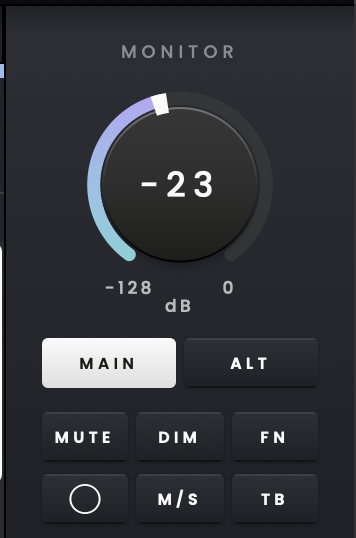
Main and ALT
Use MAIN and ALT to switch between two connected pairs of speakers, for example when comparing how a mix sounds on different monitors. MAIN is selected by default. Lower the listening level before switching to a speaker pair with a different sensitivity.
Select ALT to monitor through Outputs 3–4, and select MAIN to return to Outputs 1–2.
Headphone monitoring and source selection
Adjust HP1 and HP2 using the hardware controls or the Monitor Reference Window in iD Control. Each output has its own level and source selection.
HP1 and HP2 can be adjusted independently, with a software level range of −128 dB to 0 dB for each output.
Select Main Mix, Mix A, Mix B, Mix C or Mix D as the source for each headphone output. Select Host to route computer channels 1–2 directly to the chosen headphone output, bypassing the iD Control Mixer.
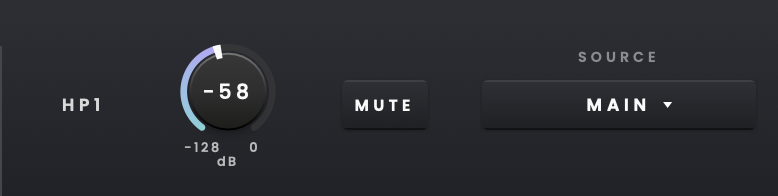
When a headphone output is sourced from an Independent Mix, it bypasses the main monitor controller. The main monitor path's Mono, M/S Mode, Mute and Dim controls therefore do not affect that headphone mix. When an output is sourced from Main Mix, its Mono and M/S monitoring settings are heard through the corresponding headphones.
Independent Mixes
If performers need different headphone balances from the one you are hearing through the speakers, use Mix A, Mix B, Mix C or Mix D. Each Independent Mix can have its own channel levels alongside the Main Mix.
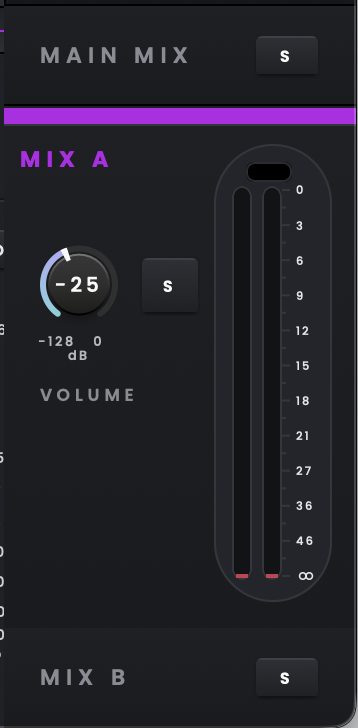
To create a performer mix, expand Mix A, B, C or D and adjust its channel faders and pan settings without changing the Main Mix. In the Monitor Reference Window, choose that mix as the source for HP1 or HP2. For example, assign Mix A to HP1 with more vocal for a singer, and Mix B to HP2 with more guitar for a guitarist. The headphone mixes and their levels can be adjusted independently without changing the Main Mix or the input levels being recorded.
Only one mix can be expanded at a time. Main Mix is expanded by default, while Mix A, Mix B, Mix C and Mix D are collapsed. Expand a mix to view its Volume control, Solo, output meters and Histograph. When collapsed, only the mix name and Solo control are shown.
Use Solo on an Independent Mix to audition the performer mix through the Monitor Output.
The first time you open an Independent Mix, its channel controls start from their default state. Any changes you make are then saved automatically for recall.
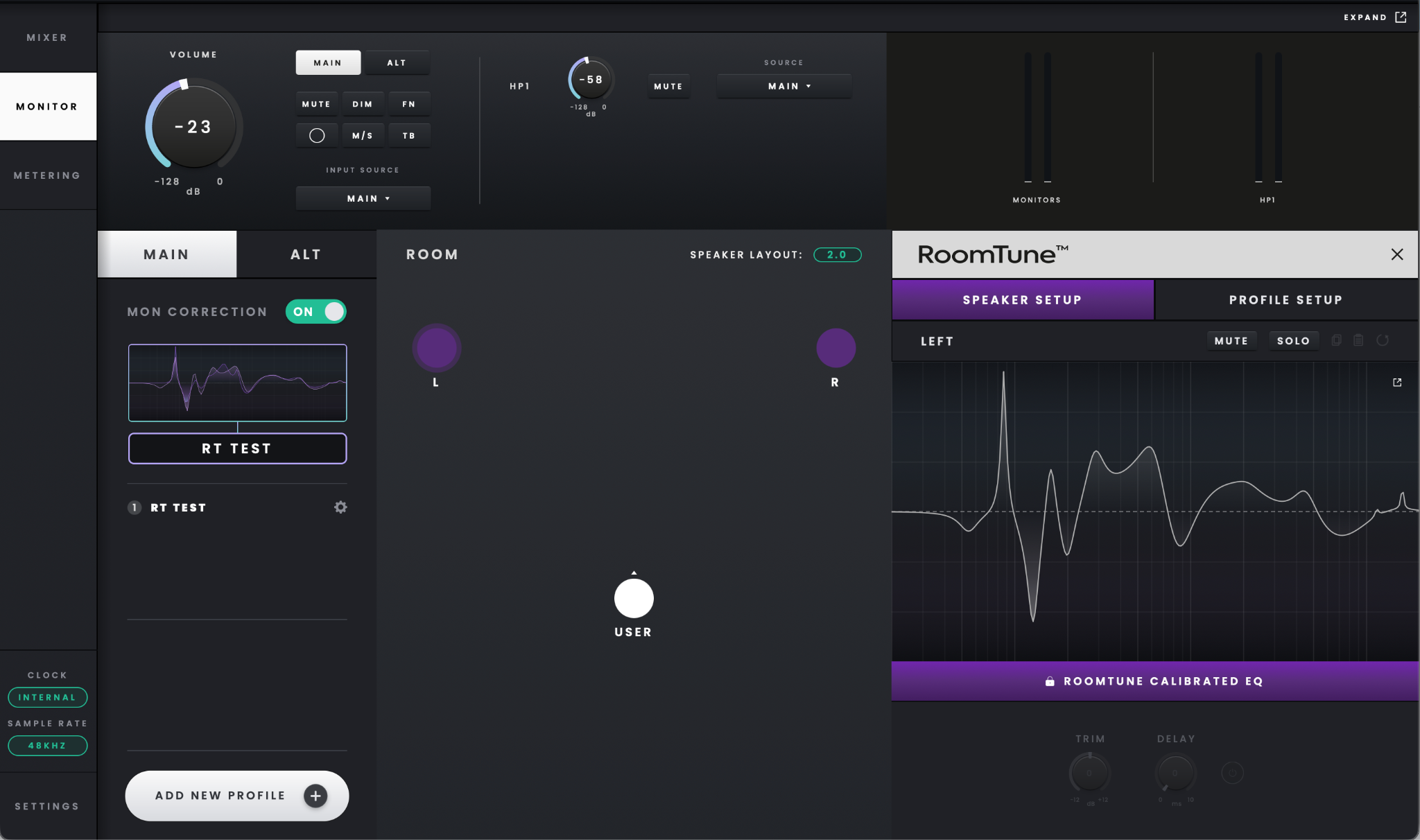
Monitor Reference Window
Choose Monitor from the side navigation when you want a larger dedicated view of the monitoring controls.
Changes made in the Monitor Reference Window are reflected in the Mixer Monitor Panel, and vice versa.
The Monitor Reference Window contains Main and ALT monitoring, output metering and RoomTune Monitor Correction. Open it in a separate window to keep these controls visible. Select Show Expanded to bring the window to the front or Close & Dock to return it to the main application.
Volume Recall
Leave Volume Recall enabled if you want iD4+ to return to the previous monitor level after power-up. It is enabled by default.

When enabled, the recalled level is shown in the Monitor Panel, Monitor Reference Window and Control Wheel LED ring.
Volume Recall is unavailable when running the iD4+ as a standalone device without iD Control installed.
Reference Level
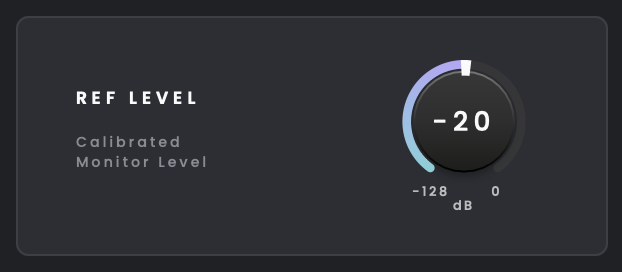
Use Reference Level to store a calibrated monitor level that you can return to quickly. The available range is −128 dB to 0 dB.
Reference Level can be engaged from iD Control or assigned to the FN button.