Connections
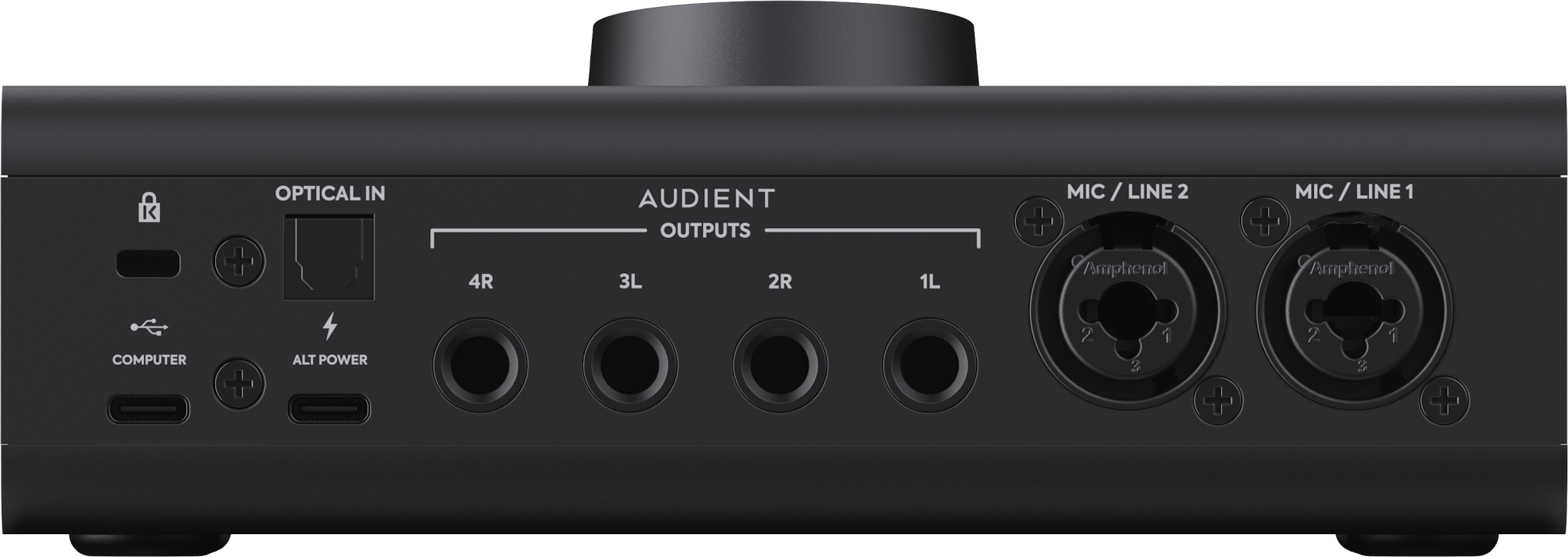
USB-C Computer Connection
The USB-C computer connection carries audio and control data between iD2 and the host computer and also supplies power to the interface.

ALT POWER
A second USB-C port labelled ALT POWER is provided for power only. It does not carry audio or control data.
The ALT POWER USB-C port can be connected to a 7.5 W external USB-C power supply when the computer's USB port cannot provide sufficient power.

Monitor Outputs
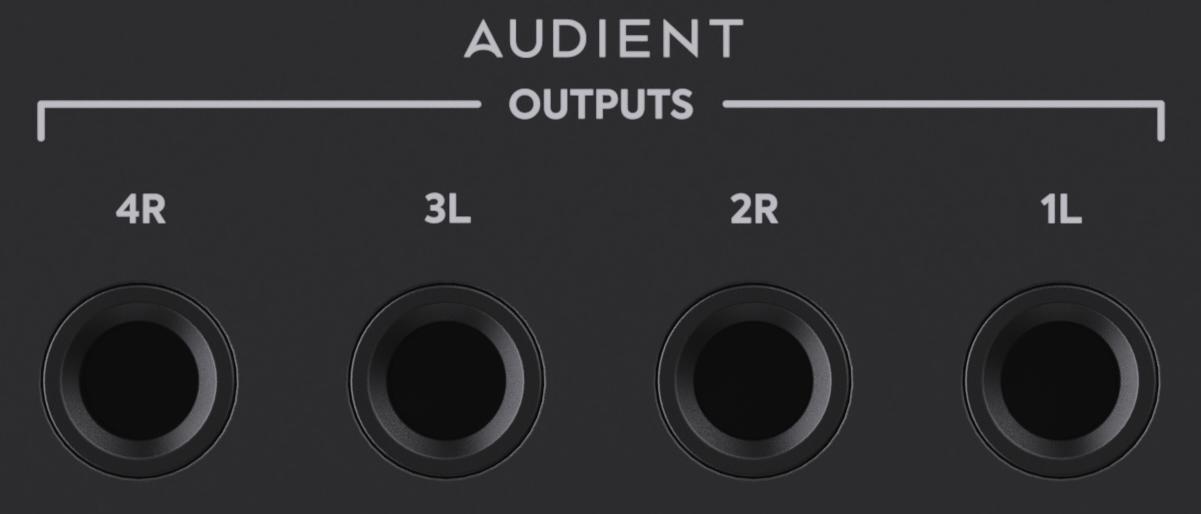
Four balanced TRS line outputs provide the Main and ALT monitor connections.
Outputs 1–2 are the Main monitor output and Outputs 3–4 are the ALT monitor output. Connect the left and right speakers of your Main pair to Outputs 1 and 2 respectively. If using a second pair, connect them to ALT Outputs 3 and 4.
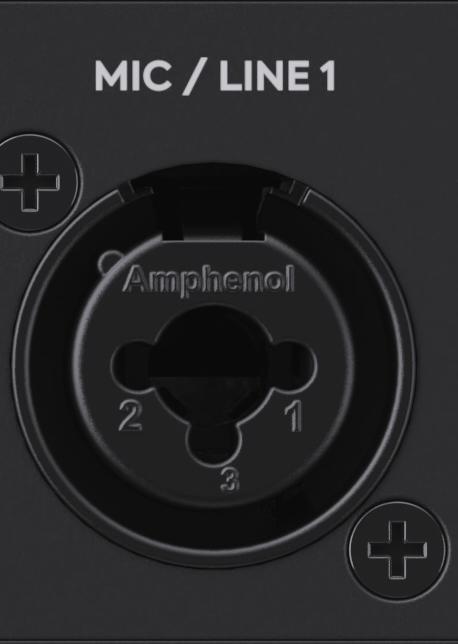
Mic/Line Inputs
Two Audient Console Mic Preamps are provided on combi-jack inputs. Their gain and related settings can be controlled from the hardware or from iD Control.
Instrument and Headphone Connections
The JFET instrument input and headphone connections are located on the front edge of iD2.
HP1 feeds both the 6.3 mm and 3.5 mm headphone sockets and uses output channels 5–6.

Kensington Security Slot
A Kensington security slot is provided to secure iD2 to a desk or workstation.
Typical Connection Examples
Recording a Microphone or Instrument
Connect a microphone to either rear Mic/Line combi-jack, or a guitar or bass to the front JFET instrument input. In the DAW, choose Input 1 or 2 for the rear Mic/Line sockets; connecting to the JFET instrument socket takes over Input 1. Set Input Gain while watching the recording meter. Enable +48 V only if the microphone or connected equipment requires phantom power; check its instructions first.
Connecting Speakers and Headphones
Connect the left and right powered speakers to the MAIN balanced outputs using suitable cables, with the speakers switched off and the monitor level down. Connect a second pair to ALT if required. The 6.3 mm and 3.5 mm headphone sockets share the HP1 level control. In the Monitor Reference Window, select Main Mix, Mix A or Mix B as the HP1 source, then raise the listening level gradually.
Computer and USB Power Connections
Connect the USB-C COMPUTER port for audio and bus power. The ALT POWER USB-C port supplies additional power only; it does not carry audio or control data.